Wallet signatures
TrustedStake uses offchain wallet signatures to sign in and approve actions such as joining a strategy, accepting fees, managing a strategy or verifying access to a partner membership session. An offchain signature does not itself submit a chain transaction. It can authorize the specific action you reviewed, so check that action before approving.
Review first, then sign
Section titled “Review first, then sign”Choose your strategy and review its composition, fees and required permissions in the TrustedStake interface. The join notice remains in that review. Your wallet opens its own approval prompt; rejecting it stops that request.
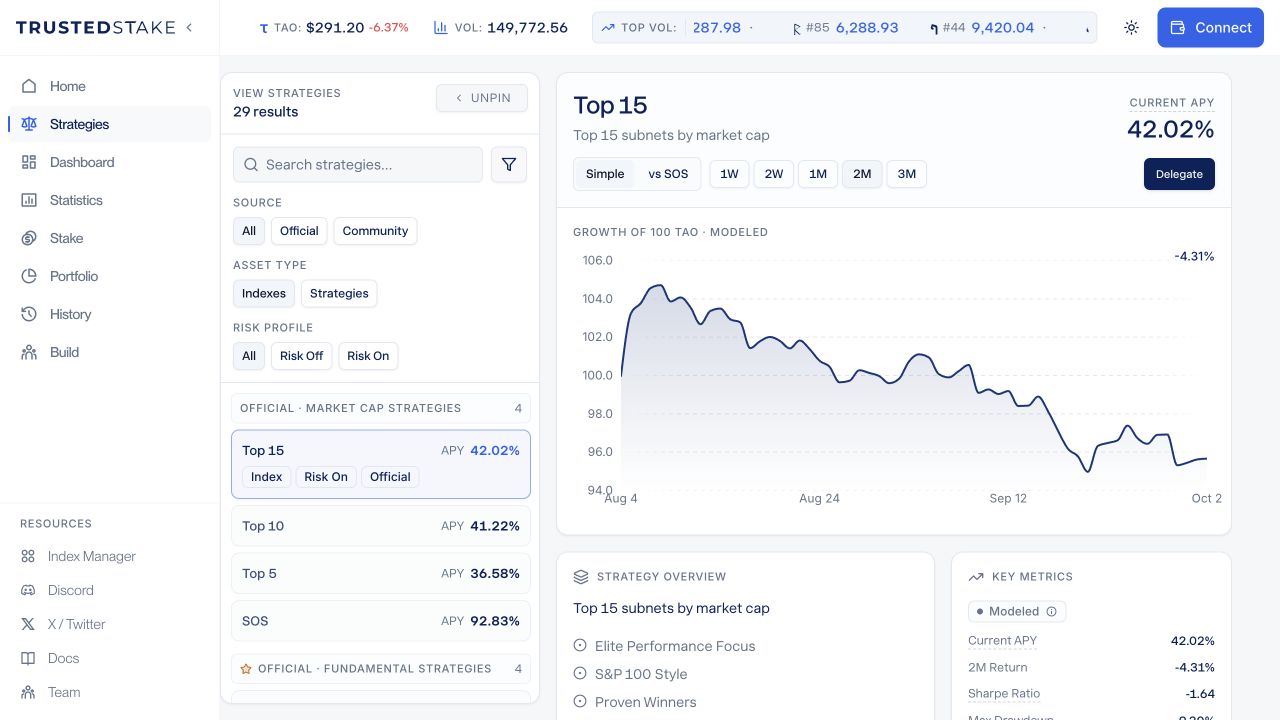
Actual public app, captured 2 October 2026 with no wallet connected. Strategies, composition and displayed metrics change over time; this is an interface example, not a return forecast.
Short, specific requests
Section titled “Short, specific requests”Depending on the signing format supported by your app and API version, your wallet may show a short action title and full request ID or the supported JSON message. A readable request looks like this:
TrustedStake - Join Top 15 | Request: 550e8400-e29b-41d4-a716-446655440000Illustrative message, not an active request or a wallet extension screenshot. Existing integrations can continue using supported JSON messages.
If a strategy name cannot be displayed safely in that short message, the title is TrustedStake - Join Strategy. The strategy’s actual name and details remain in your review and are bound to the request on the server.
The request ID identifies one fixed approval. TrustedStake binds it to the wallet, action and reviewed request details on the server. Changing the title or request ID invalidates the signature. It is not a password, a transaction hash or proof that two different wallets belong to different people.
Login, joining, fee acceptance, membership verification and strategy changes have different purposes. A login approval does not stand in for an action approval. Separate onchain permissions and transactions still use the wallet’s transaction review.
Why a request expires
Section titled “Why a request expires”A signing request expires within five minutes so an old, unfinished approval cannot remain usable indefinitely. Some flows use a shorter window, including an admin login or a partner session nearing expiry. Expiry affects that request, not your membership, accepted terms or an existing session’s separate lifetime. If you leave the prompt open too long, return to TrustedStake, review the current action and request a fresh approval. The app must not silently sign again.
The server accepts a request only once. A rejected, expired or already-used request is not evidence that a new action succeeded. If a submission result is uncertain, check the app’s recorded status before retrying a financial action.
Manager sign-in
Section titled “Manager sign-in”Open the Index Manager and connect the wallet authorized to manage your strategy. Sign the requested login message when you intend to start a manager session. Connecting the wallet alone does not grant manager privileges.
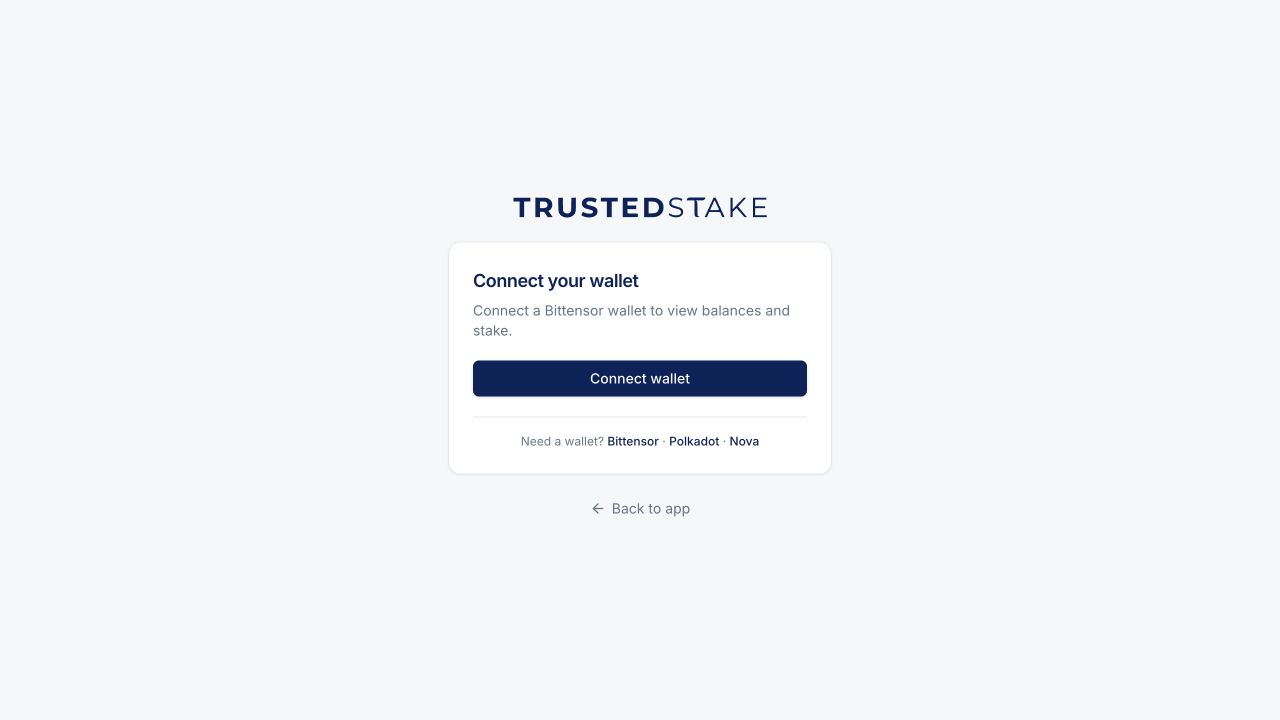
Actual public app entry screen, captured 2 October 2026. No wallet connected and no signing request approved.
The wallet controls the appearance of its approval prompt. A short TrustedStake message does not require a particular wallet layout or a collapsible details view.